Gemini CLI is very easy to install, and has a very functional free tier. Below I describe the steps to install on Linux and Mac.
Step 1: Make sure you have Node.js version 18 or higher installed.
You can check by entering the following command:
node --versionIf it is not installed, or you need to install a more recent version, go to this link:
https://nodejs.org/en/download
Step 2: Install Gemini CLI on the command line
Open up your terminal and enter the following:
npm install -g @google/gemini-cli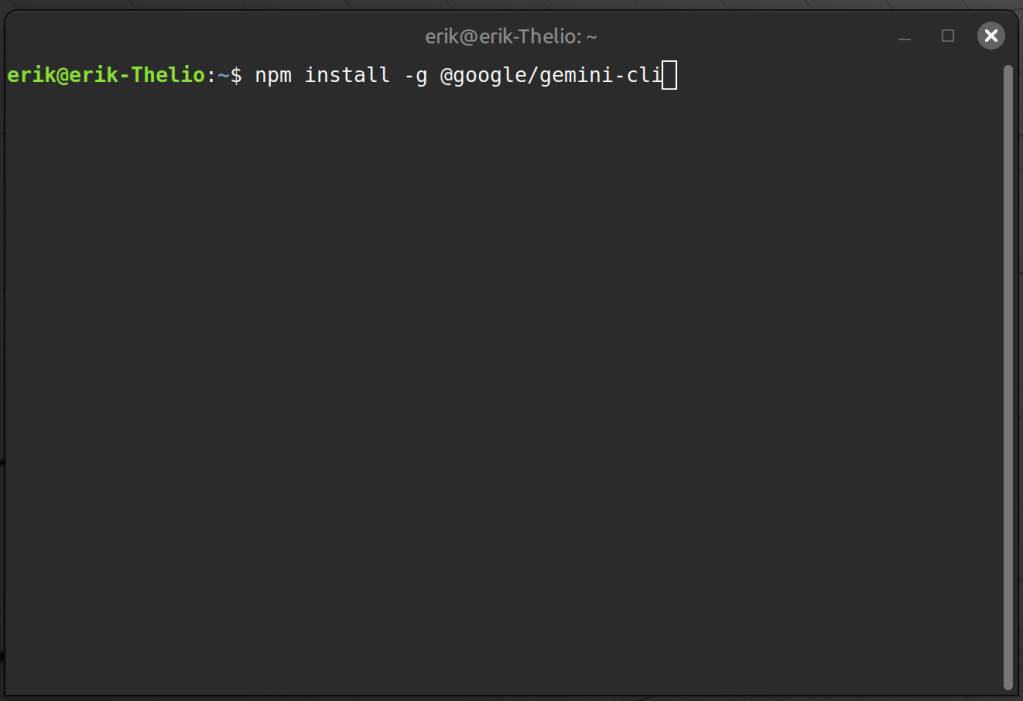
Step 3: Run Gemini CLI for the first time to choose a color scheme
In your terminal type the following:
gemini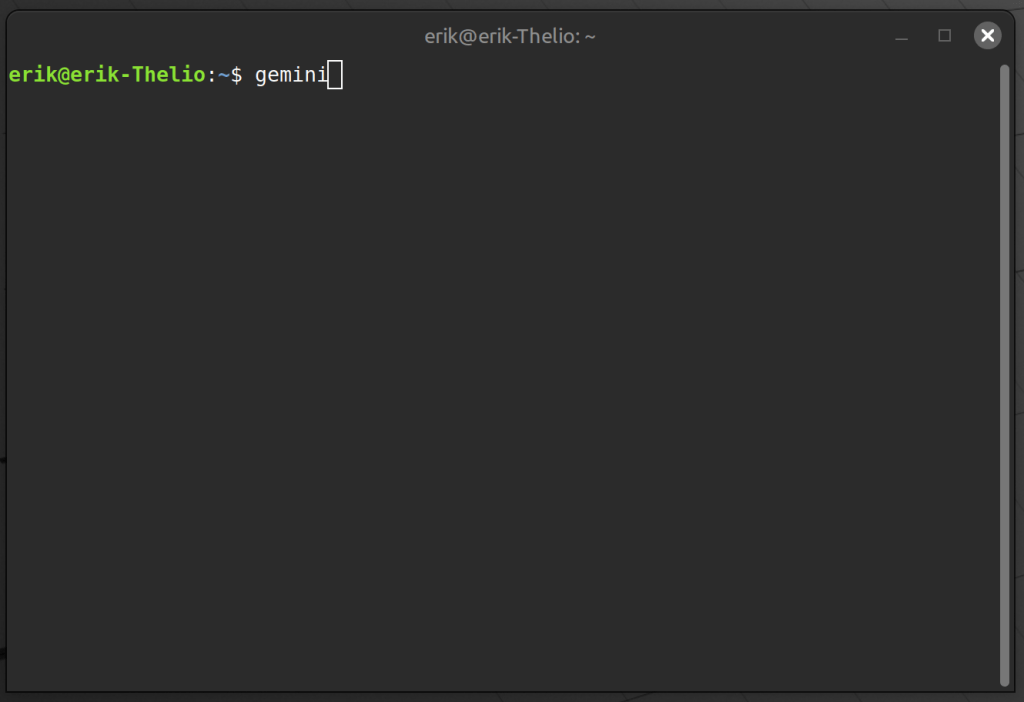
Step 4: Choose your color scheme
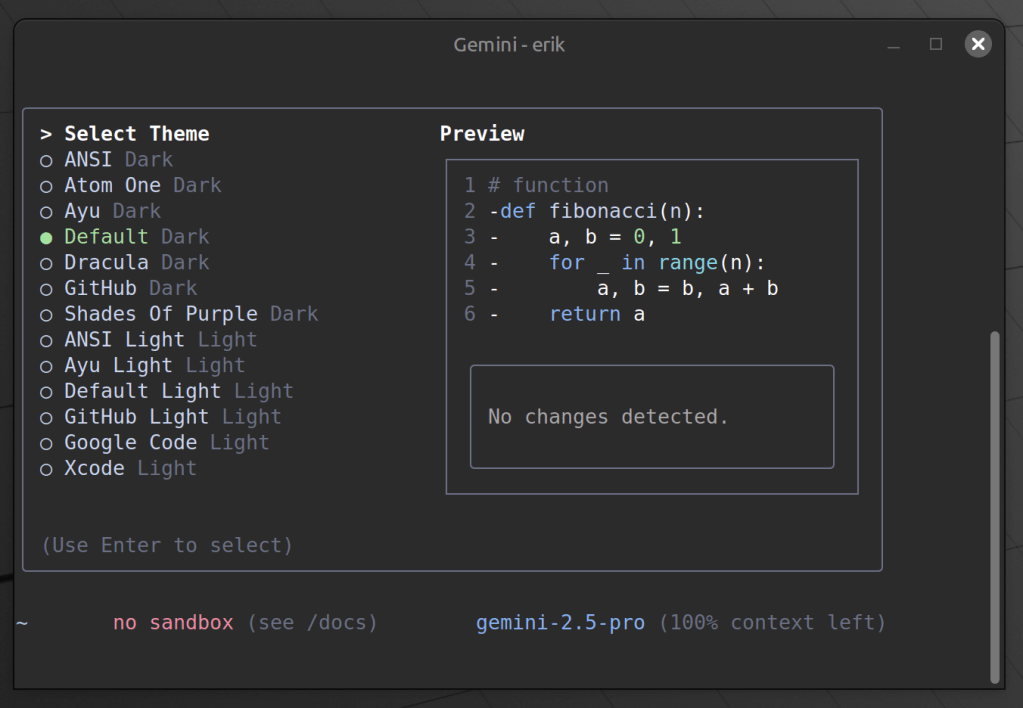
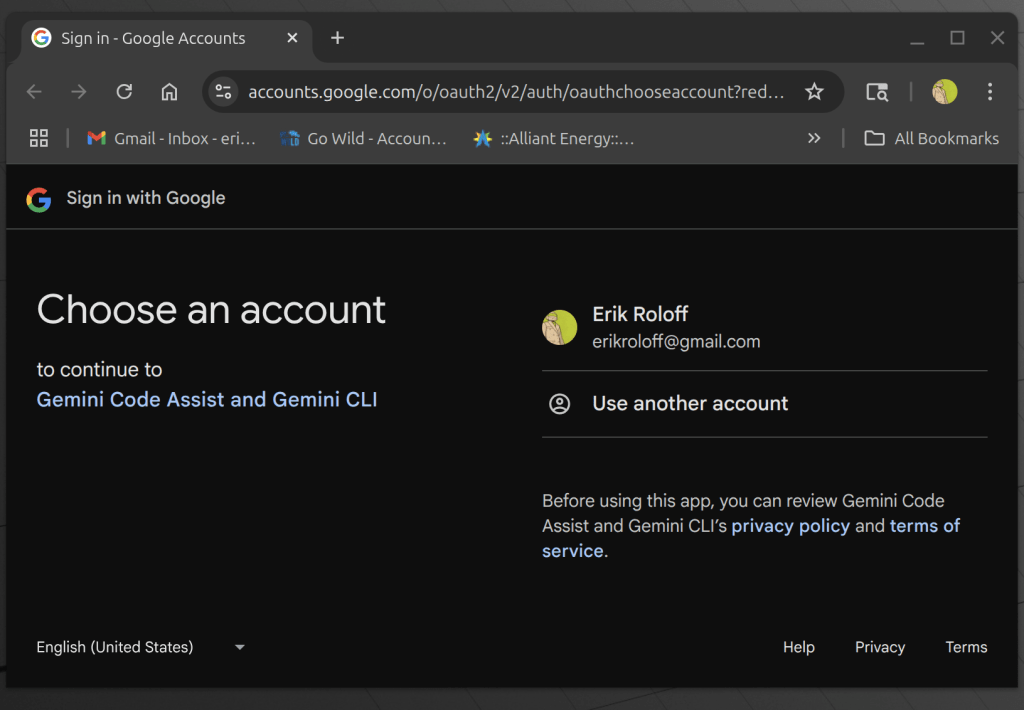
Step 5: Authenticate with your google account
Step 6: You’re set, start typing!
In this case, I asked “What is a microservice?”. You can use Gemini CLI for many things and it is really up to your imagination from here.

 Erik Roloff
Leave a comment